
SharePoint
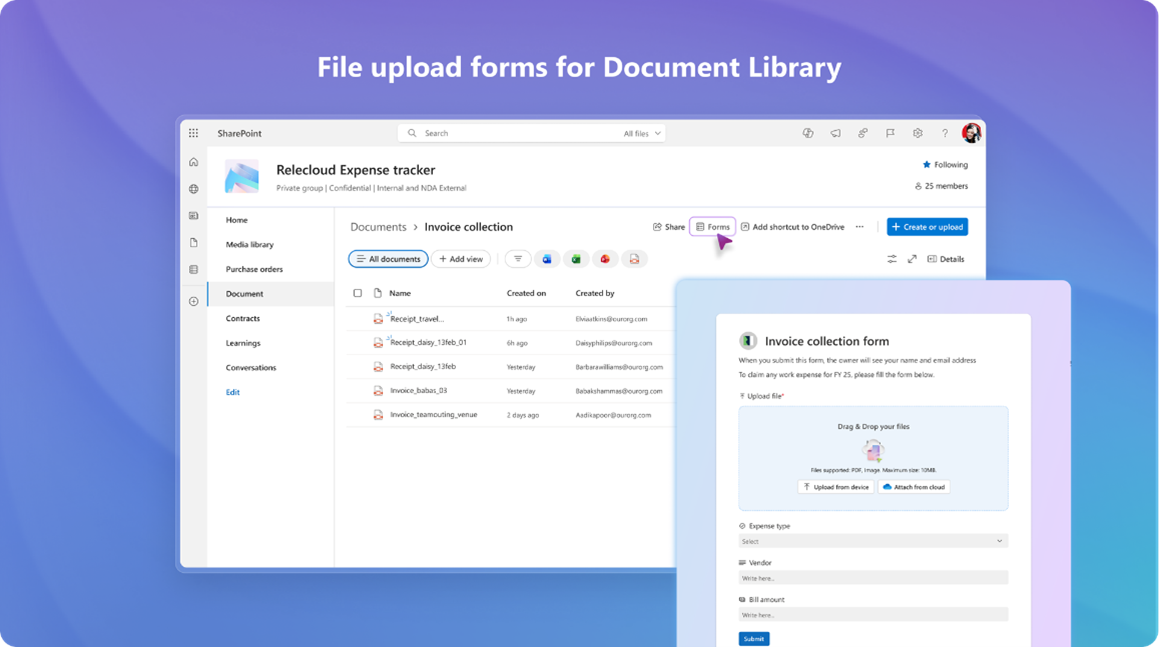
Microsoft is introducing a new way to collect files and metadata in SharePoint document libraries using modern file upload forms. This update enables library owners and editors to create custom forms – similar to Microsoft Lists forms – that can be shared internally to gather files and related information without exposing the full library. Roll out has begun with completion expected early January.
Site owners and admins will be able to apply two new Microsoft-designed multi-colour dark themes. These official themes offer modern dark colour palettes with multiple colours combinations, enabling richer visual experiences and consistent branding across sites. Both themes are available out-of-the-box and can be configured via site settings.
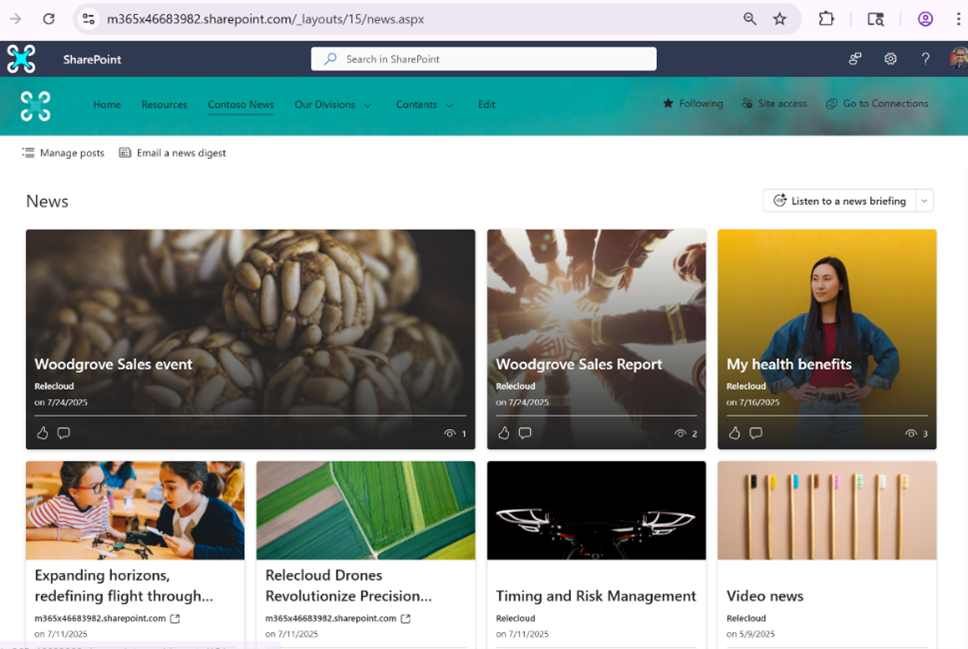
A new “See All” experience for the SharePoint News web part (News.aspx page) is coming. This will bring a modernised layout, improved visual rhythm, and new AI-powered capabilities to help users engage with news more effectively. A Microsoft 365 Copilot license is required to access the AI capabilities.
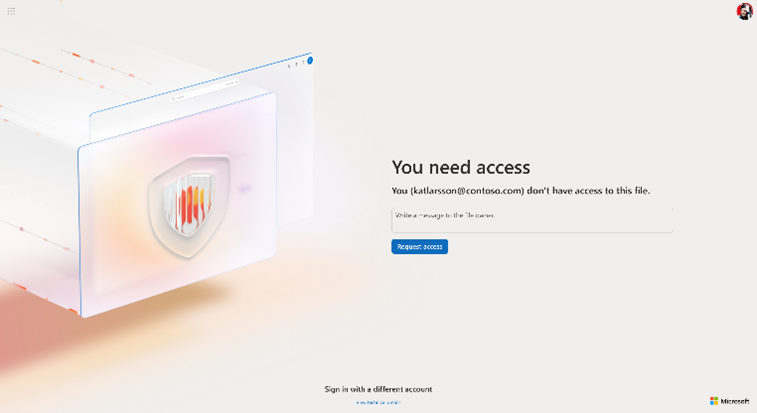
Microsoft is adding a visual refresh of the Access Request and Access Denied page experience across Microsoft 365, redesigned to help users quickly request access to content such as documents, SharePoint sites, or Teams meeting recordings.
Online Management Shell now supports App-Only Certificate-Based Authentication. This update addresses the business need for secure, unattended automation in environments where (for example) Multi-Factor Authentication (MFA) is enforced. With this enhancement, customers can run automation scripts using app identities, ensuring compliance with security policies while maintaining operational efficiency.
To strengthen security and reduce the risk of ungoverned scripting, Microsoft is expanding the custom scripting governance in the App Catalog site. Custom scripting will be disabled (setting DenyAddAndCustomizePages to 1 or $true) for the tenant-wide App Catalog site. Default custom scripting governance on the App Catalog site will take effect starting in mid-January 2026. Admins managing the SharePoint tenant-wide App Catalog site and content inside. Uploading, updating, and deploying SharePoint and Office apps will continue to work. Custom script-based changes will be blocked: New changes related to custom scripting in the App Catalog Site will be disabled by default; existing custom scripting related customizations will remain unaffected.
Teams
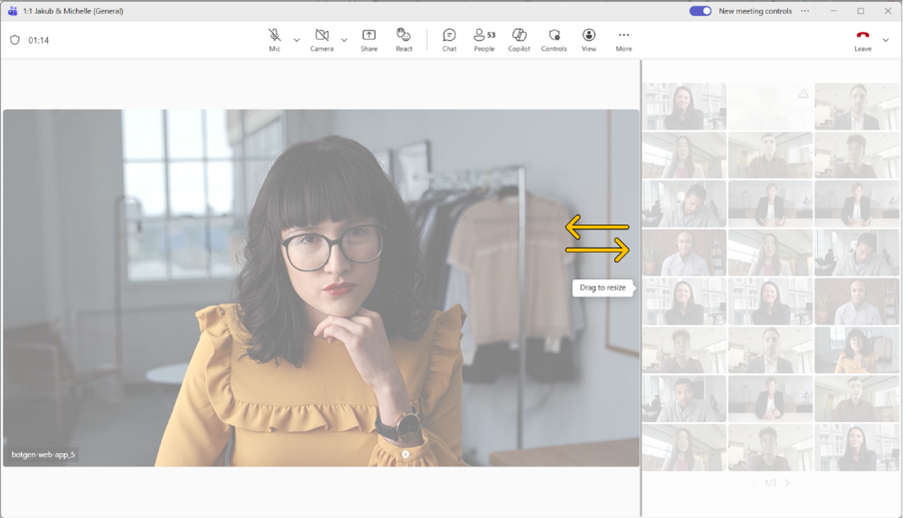
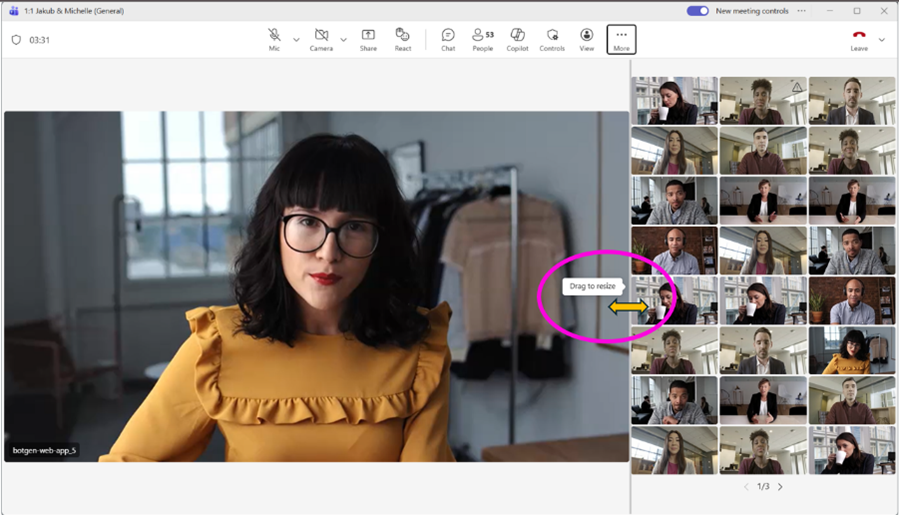
Microsoft is introducing a new flexible layout option in future Teams meetings to give users more control over how shared content and participant videos appear. A resizable divider will let users adjust the space between shared content and the video gallery. Want to focus more on the presentation? Expand the content area. Prefer to see more people? Shrink the content area to make room for more video tiles. Users can also swap the position of content and participants to suit their viewing preference.
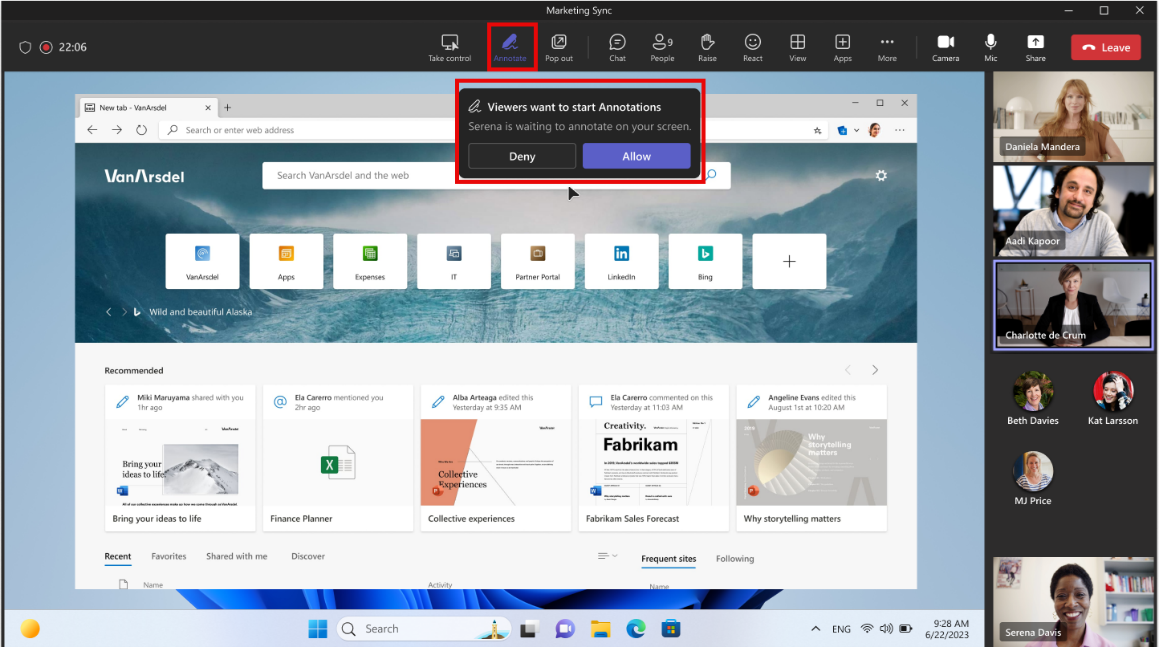
Meeting participants will be able to request an annotation session while someone else is sharing their screen. Targeted release will begin January 2026.
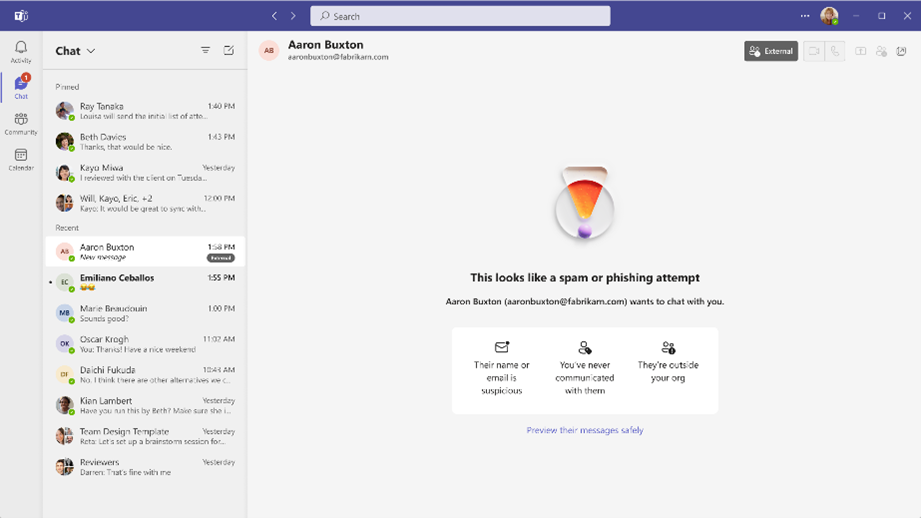
A new security feature is coming to enhance external collaboration. If your organisation allows external domains to contact users in Teams, Teams will identify if an external user is impersonating a domain owned by your tenant during their initial contact through Teams chat.
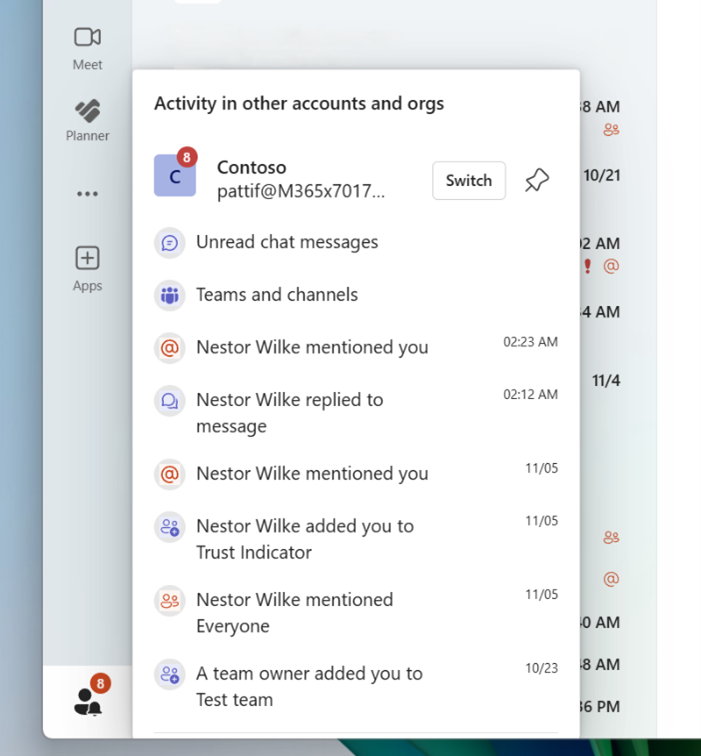
Microsoft have improved the panel which shows your Activity in other accounts and orgs in Microsoft Teams to streamline how users triage and respond to cross tenant activity. This update reduces the need to switch tenants.
When users connect to their organisation's Wi-Fi, Teams can automatically set their work location to reflect the building they are working in. This feature is opt-in and requires admin action to configure. After you turn it on, end-users remain in control and can choose whether to share their work location with their coworker.\
Purview
SharePoint Online document library owners will be able to apply a sensitivity label at the library level, automatically applying that label to all unprotected and unlabelled files (Microsoft Word, Microsoft Excel, Microsoft PowerPoint, and PDFs) in the target library. Users accessing these files outside of SharePoint Online have their rights evaluated in real time against the document library. Changes to user permissions on the document library are reflected on downloaded files, including full revocation for users removed from the document library.
Entra
To help organisations recover from accidental or malicious deletions, Microsoft Entra is introducing soft deletion and restoration for cloud security groups. This feature allows deleted groups to be restored within 30 days, preserving their settings, ownership, and membership – reducing the need to rebuild access models from scratch.