
SharePoint
Older SharePoint Features Are Being Retired
Microsoft is removing some old SharePoint features in April 2026. These include:
- Information Management Policies
- In‑Place Records Management
- Document deletion policies
Our iWorkplace™ solutions already use modern Microsoft Purview capabilities and do not rely on any of the features being retired. Read more
Featured Links on the Start Page Are Going Away
The Featured Links section will soon be removed because very few people use it.
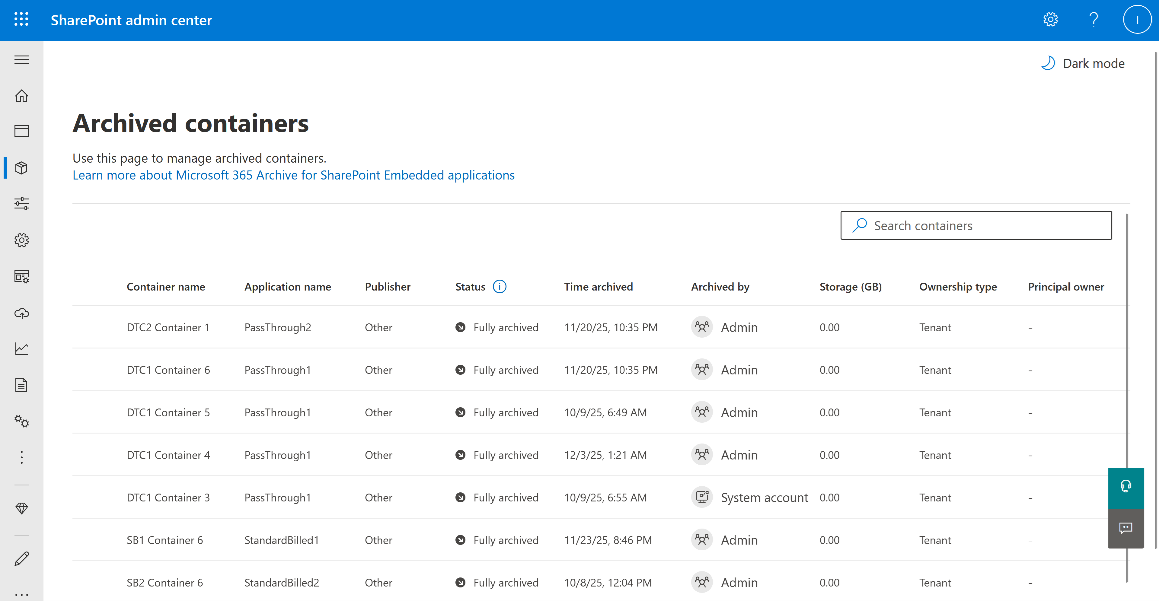
Cheaper Storage for Apps Using SharePoint Embedded
Apps built on SharePoint Embedded can now archive containers, helping organisations reduce storage costs and improve Copilot search results.
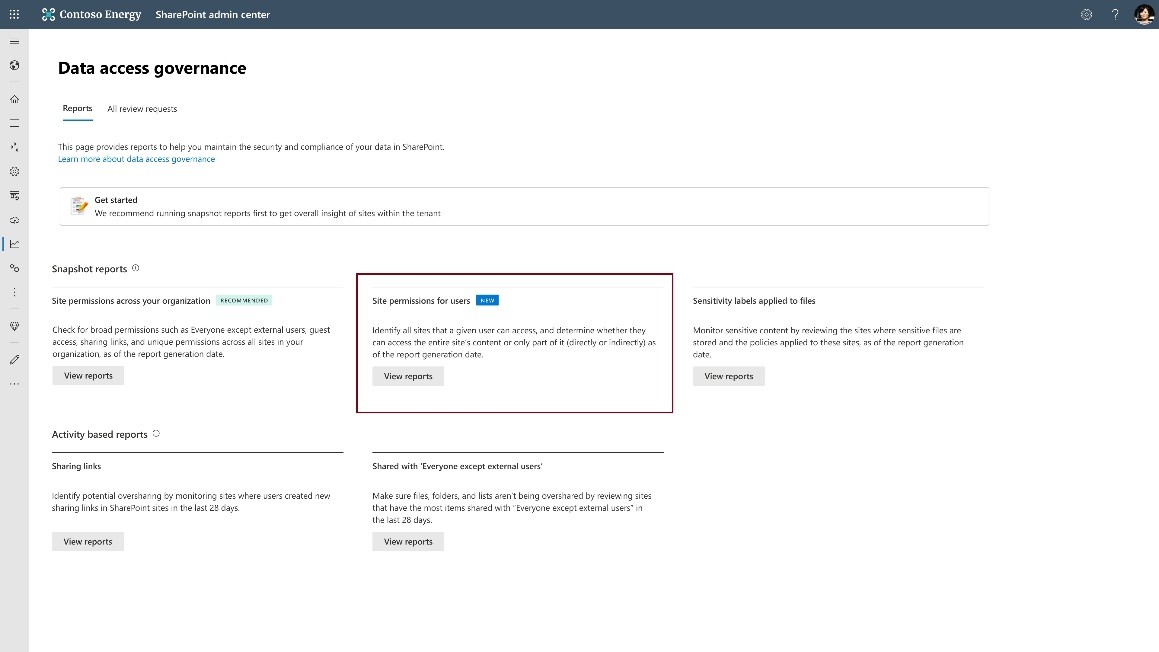
New Permissions Report
SharePoint admins will soon see a new report that shows every site a user can access.
Teams
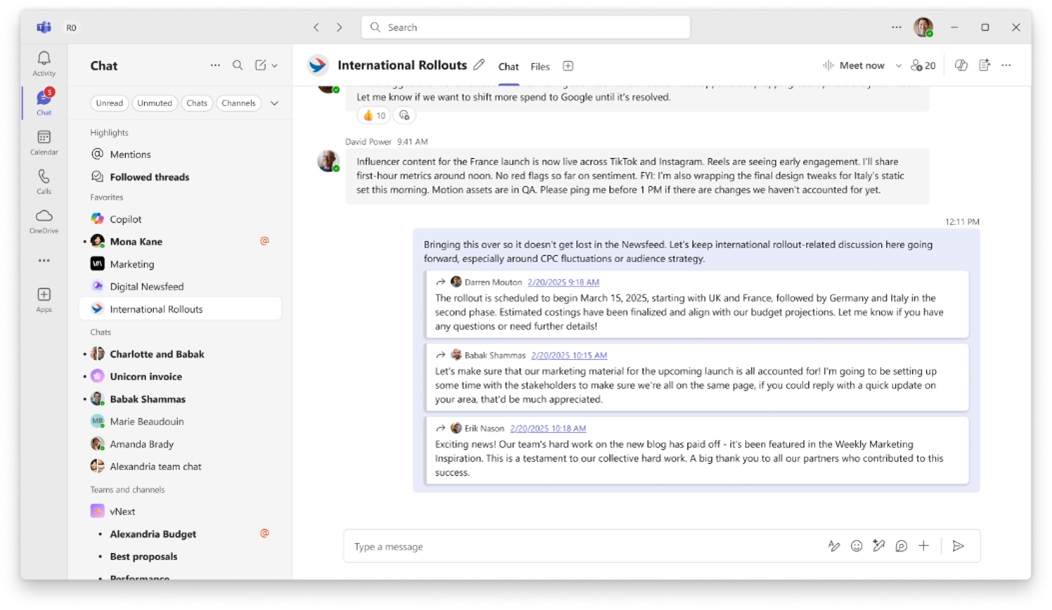
Forward Multiple Messages at Once
You can now select up to five chat messages and forward them together.
New Admin Role
A new Teams External Collaboration Administrator role helps manage external collaboration settings.
Messaging Safety Defaults Will Be Switched On
Teams will soon turn on several messaging safety settings by default.
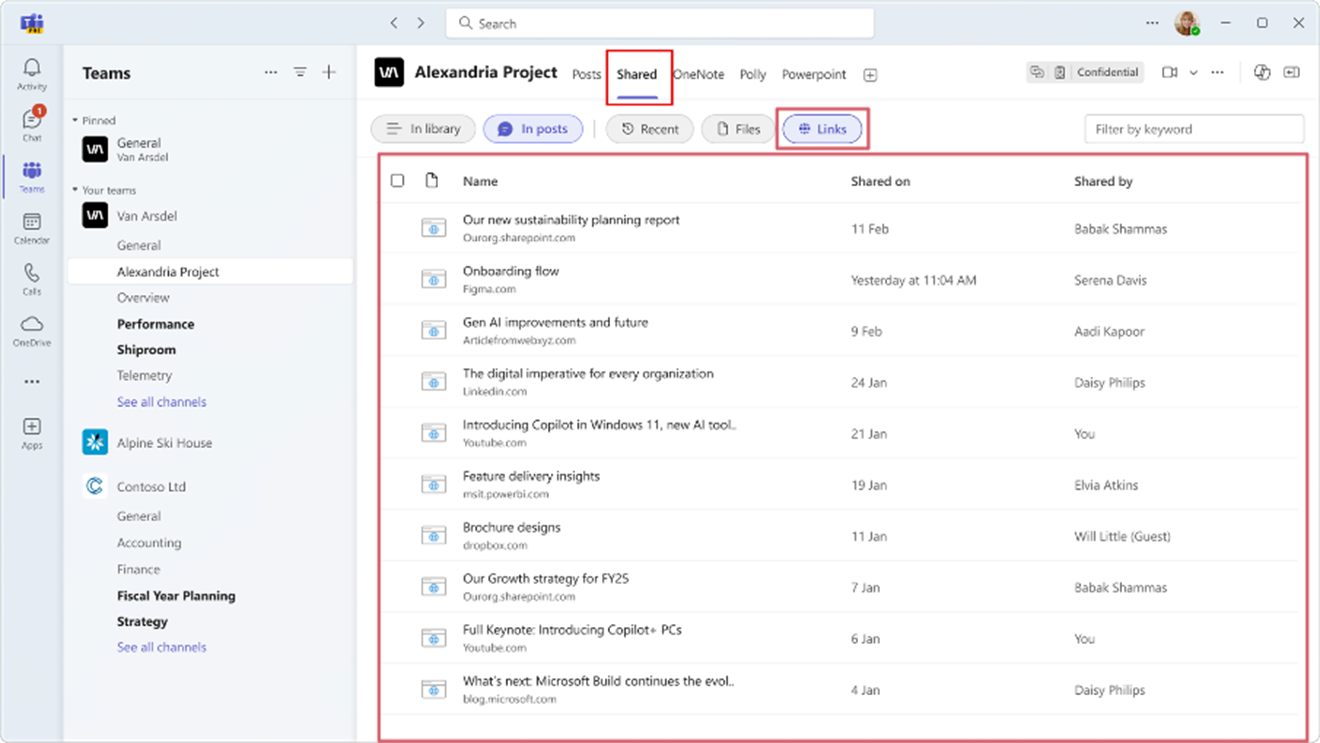
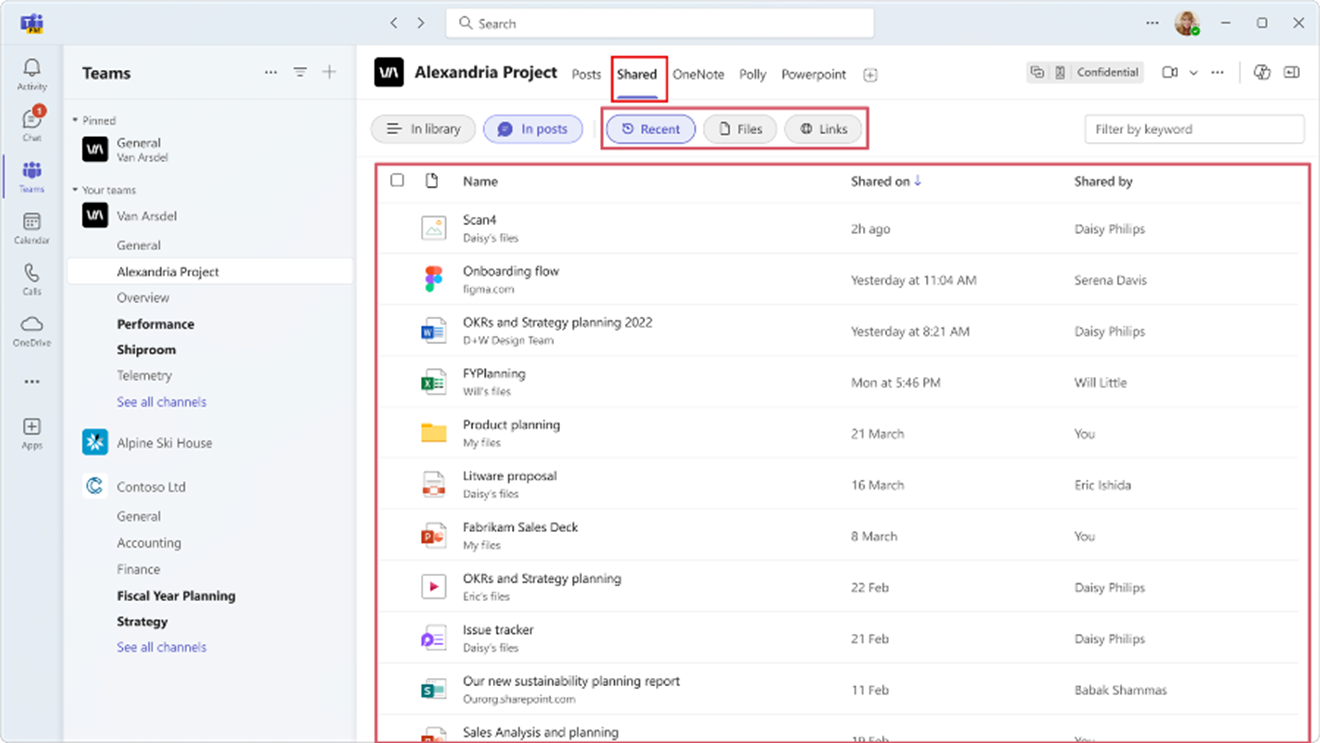
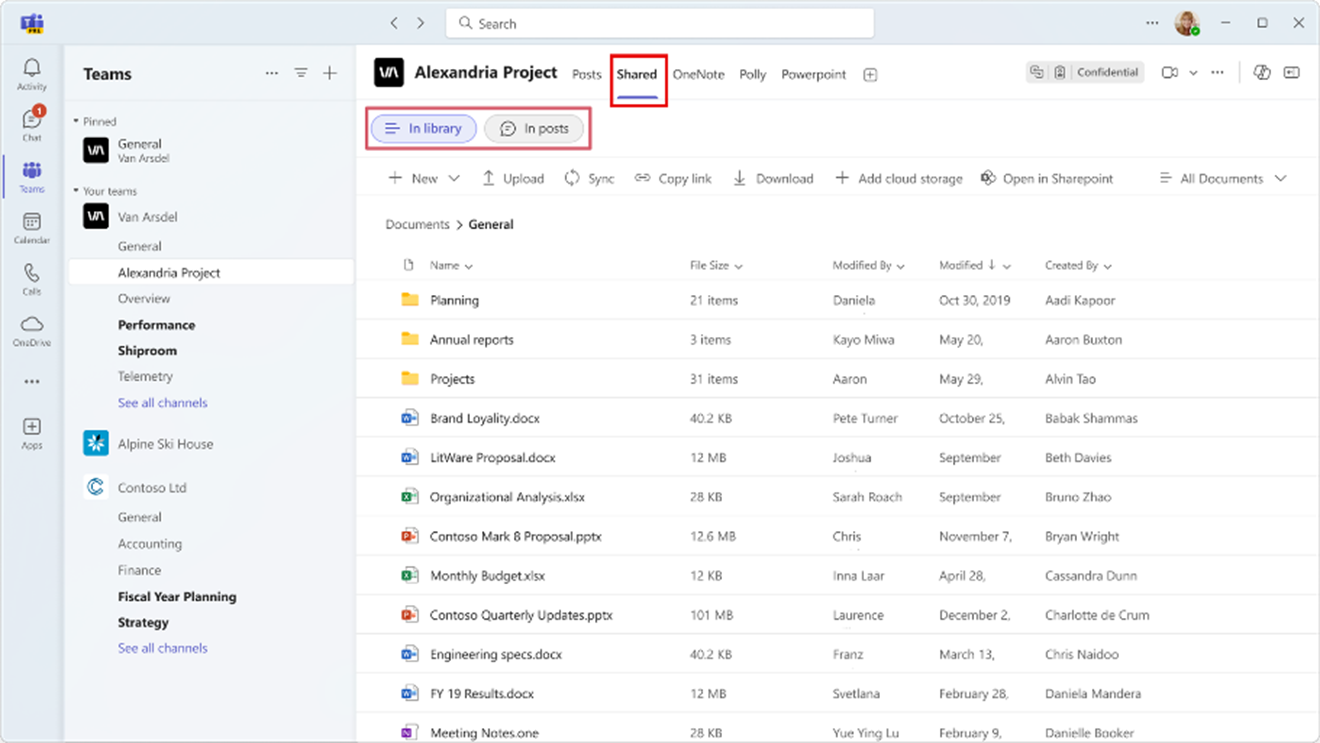
Files Tab Renamed to Shared
The Files tab is now called Shared and has a new look.
Purview
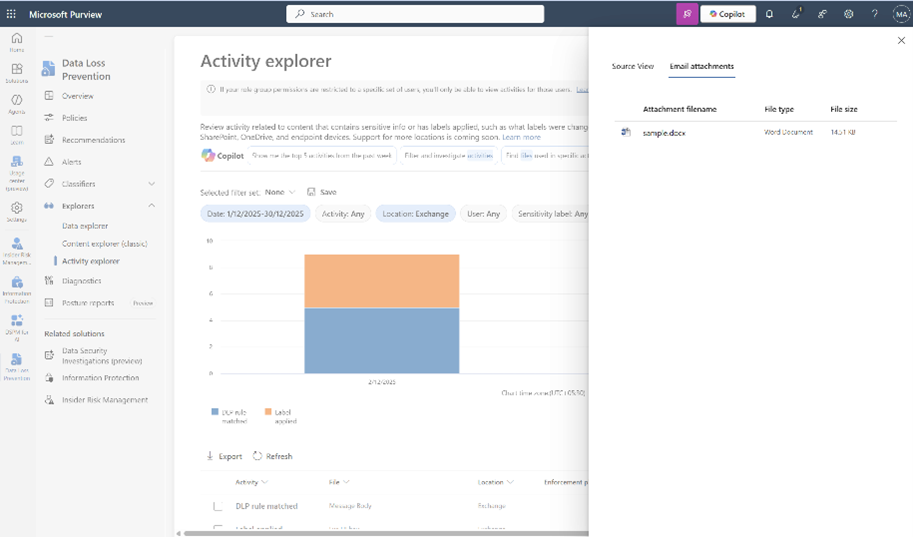
Preview Email Attachments in Activity Explorer
Admins will be able to preview flagged email attachments without downloading them.
Sensitivity Labels with Custom Permissions
Users can apply sensitivity labels with user‑defined permissions in Office for the web.
Foundry Apps Now Connect to Purview
Microsoft Foundry apps and agents now integrate with Purview for better AI data governance.
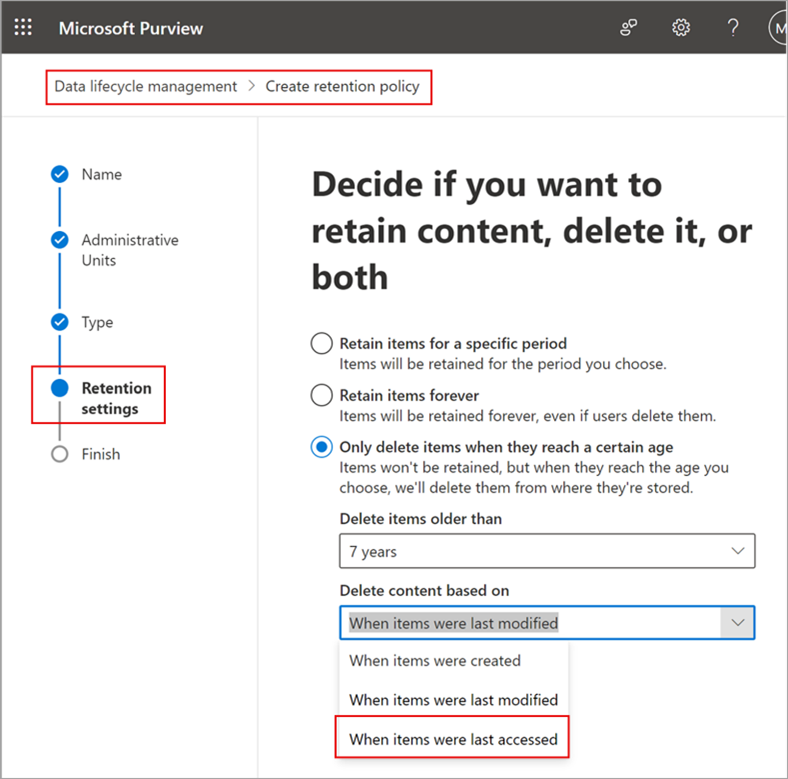
Retention Based on Last Accessed (Delayed)
Retention rules in Microsoft OneDrive and SharePoint for files based on last accessed time have been delayed until late May 2026.
Planner
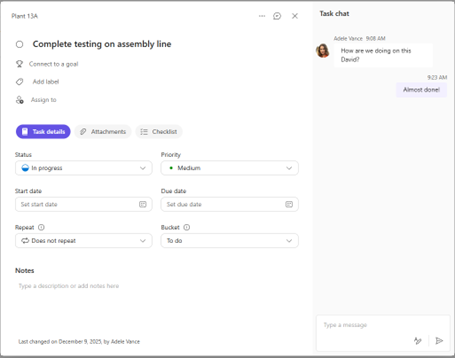
Task‑Based Chat Is Coming
A new Planner service plan will let people chat directly about tasks.
Copilot
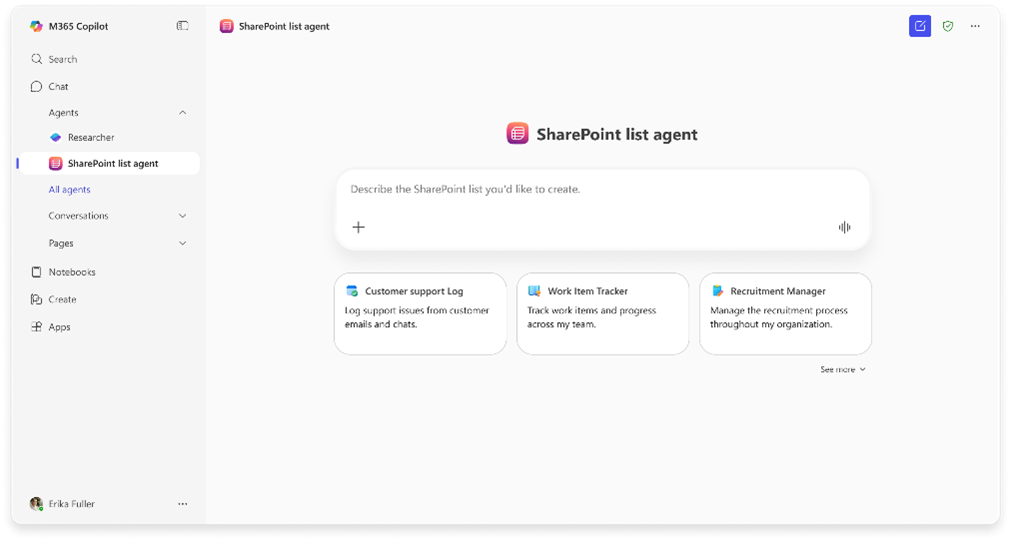
SharePoint List Agent
Copilot now helps create SharePoint lists using natural language.
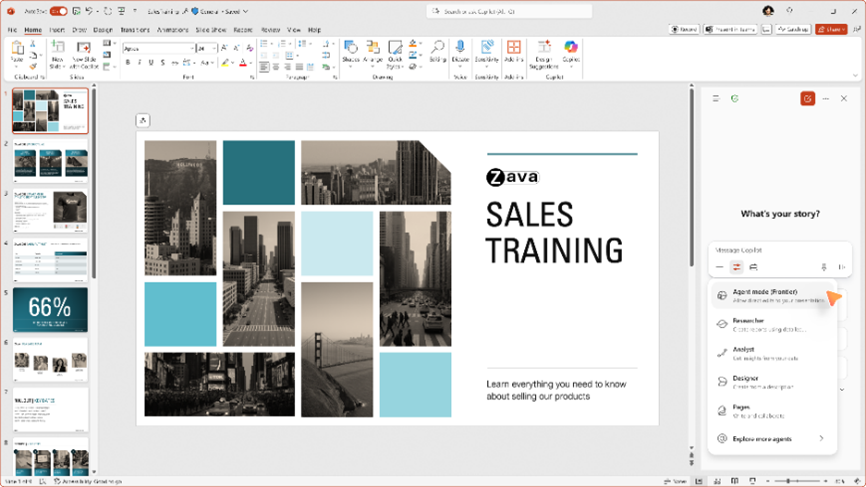
PowerPoint Agent Mode
A Frontier only feature, you can now talk to Copilot to update slides while keeping formatting.
Nine New Copilot Connectors
Copilot now connects to more third‑party systems like GitHub, Fresh service, Dropbox, and more.
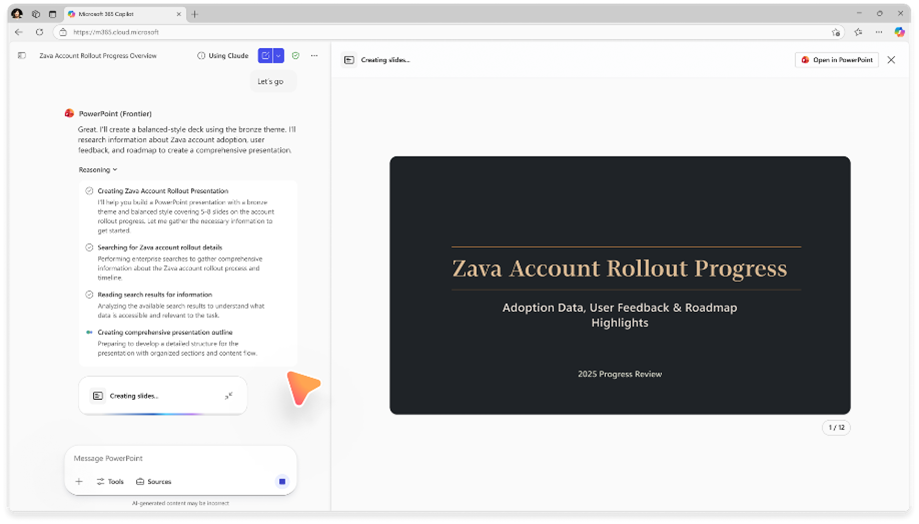
New Word, Excel, PowerPoint Agents
Copilot includes agents for creating documents, spreadsheets, and presentations within Microsoft’s Frontier program.

Email Triage
Copilot can now complete actions like pin, archive, and mark unread using natural language.
Updated Copilot Dashboard Metrics
The dashboard now shows improved meeting‑related metrics.