OneDrive
Microsoft is releasing a feature that will prompt users to sign in to the OneDrive app with a personal Microsoft account, when a personal account is already signed in on the device. Signing in with a personal account will not combine or transfer files between personal and corporate accounts. If you do not want this prompt to be shown to users, you can use policies to disable it. This change will begin rolling out mid-June, and is expected to be complete by early July.
SharePoint
Microsoft is retiring the SharePoint Alerts feature.
- Starting from July, the creation of new Alerts will be gradually turned off for newly onboarded tenants.
- Starting from September, the creation of new Alerts will be gradually turned off for all tenants.
- Starting from October, the SharePoint Alert expiration feature will be gradually activated. Once activated, any SharePoint Alert will have a validity of 30 days starting from its first run, then it will expire. Users can self-service re-enable expired SharePoint Alerts and extend their expiration for another 30 days. Re-enabling and extending SharePoint Alerts can be done by using the “Manage my alerts” list/library menu item, opening the SharePoint Alert to update, extending its expiration date and clicking OK.
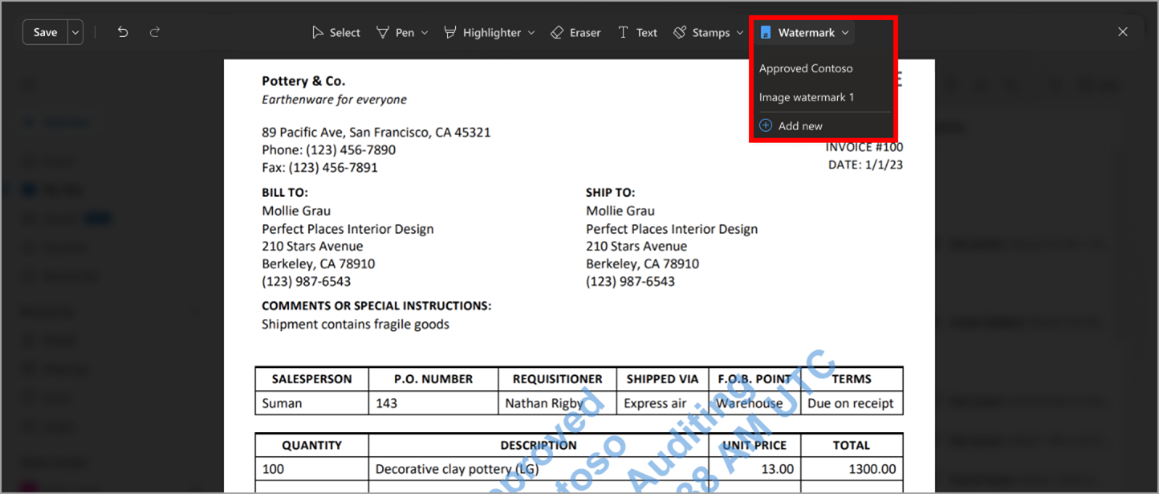
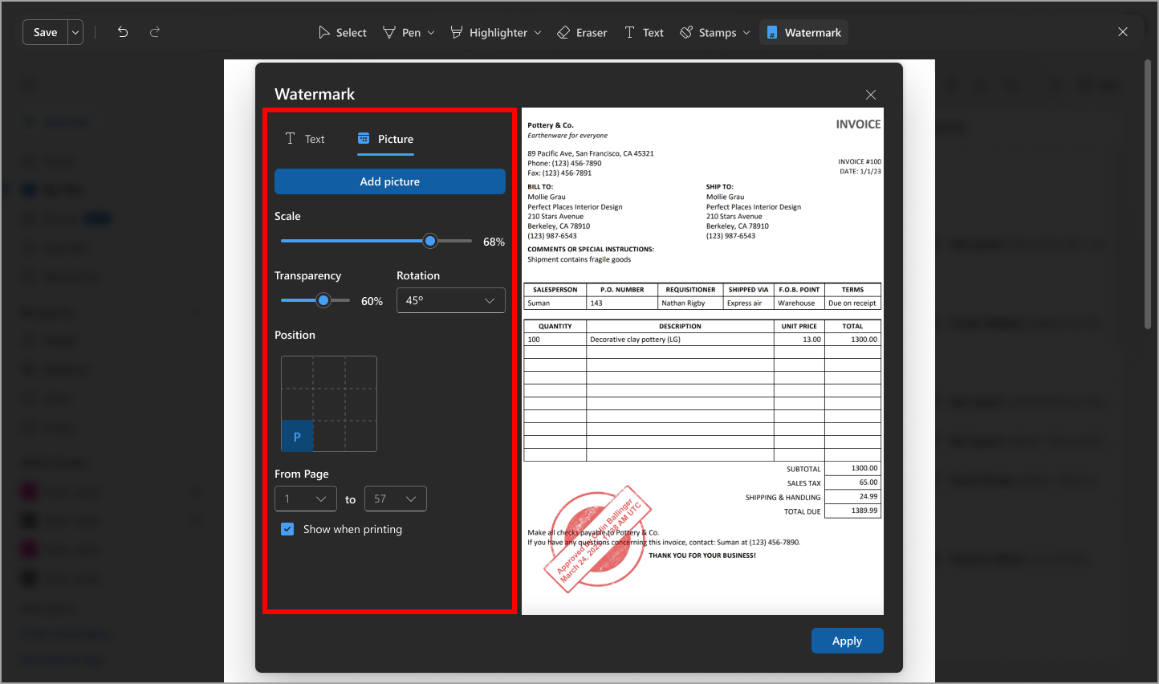
Soon watermarks will be able to be applied to PDFs in SharePoint and OneDrive. A ‘Watermark’ button will be added from the top menu, with the option to change text, formatting, colour, whether the watermark is a picture, and watermark position. This feature is rolling out now and is expected to be complete by early July.
Microsoft will migrate the hosting of Microsoft SharePoint Online assets to a new content delivery network (CDN) service, Microsoft Azure Front Door. This will be completed before the end of July. To ensure that SharePoint Online sites are prepared for this, Microsoft have created a list of guidelines to review:
- Add the new domain to your network allow list
- If you enable domain-based allow lists in your network configurations, please ensure that the new domain public-cdn.sharepointonline.com is also included
- Avoid hardcoding CDN URLs
- Do not block the old domain
Teams
There had previously been announced an update to the ‘Files’ Teams tab. After an update, the ‘Files’ tab will be renamed to ‘Shared’. An ‘In Posts’ view will be added and will display all files and links shared in channels posts. This change will now be rolled out in mid-July, and complete in mid-August.
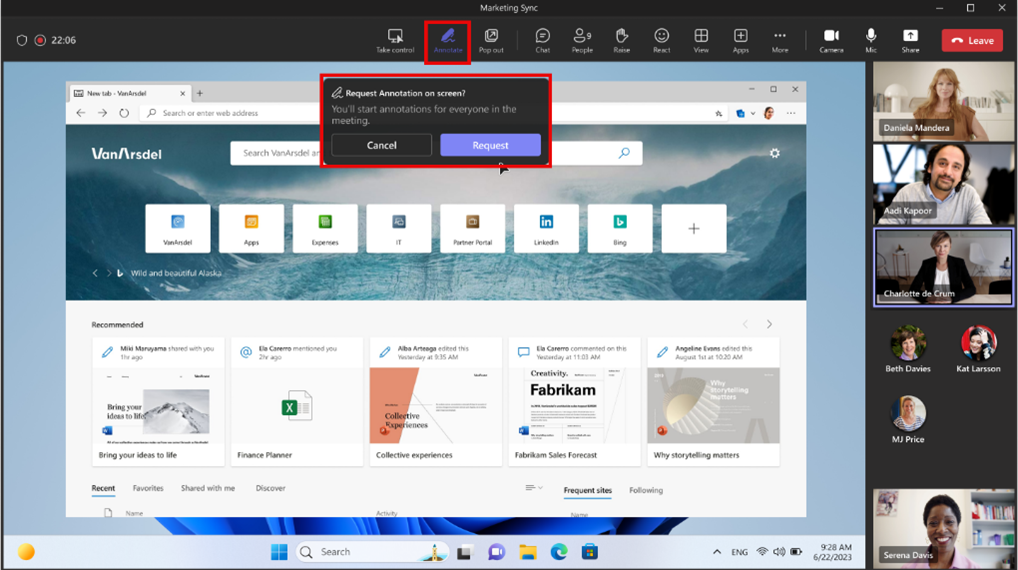
Rolling out next month, soon meeting participants will be able to request an annotation session when someone else is sharing their screen in a meeting. The request will be sent to the presenter, who can choose to either accept or deny it.
Soon meeting chat notifications will change based on how a user RSVPs. When they decline a meeting, they will not receive notifications or see the chats in chat list; when they accept a meeting, they will receive notification for all new messages. This update is rolling out now, and is expected to be available in mid-June.
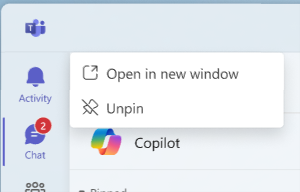
Rolling out next month, soon users will have the capability to open their core applications, like Chat and Teams, in separate windows by selecting ‘Open in new window’ from the app’s context menu.
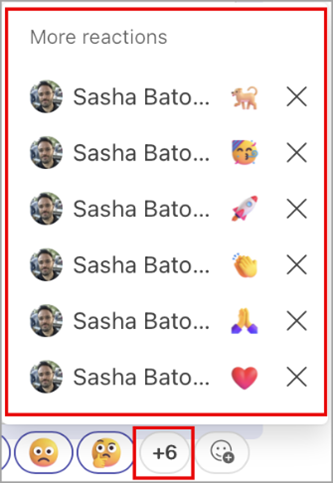
Microsoft is introducing the option to add multiple emoji reactions to a single message, with a maximum of twenty per person. This change is rolling out in August.

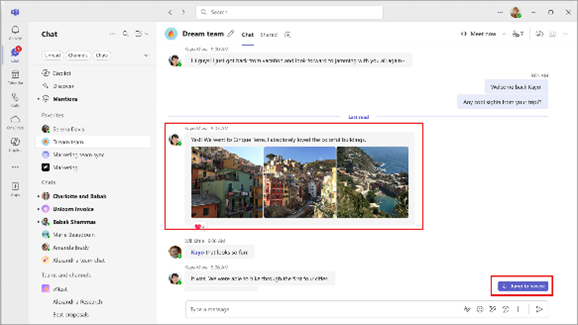
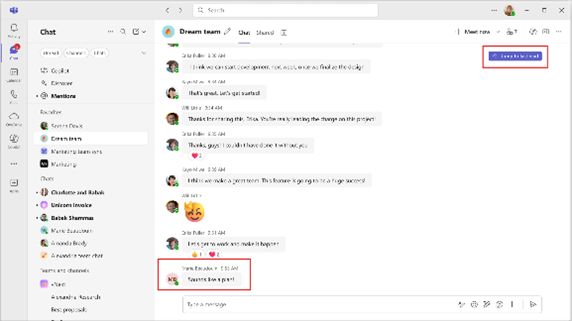
Rolling out now and expected to be complete before the end of July, soon when users select unread chats, by default they will land on the last message they read in chat. Users will also be able to quickly jump to the newest message with a jump button.
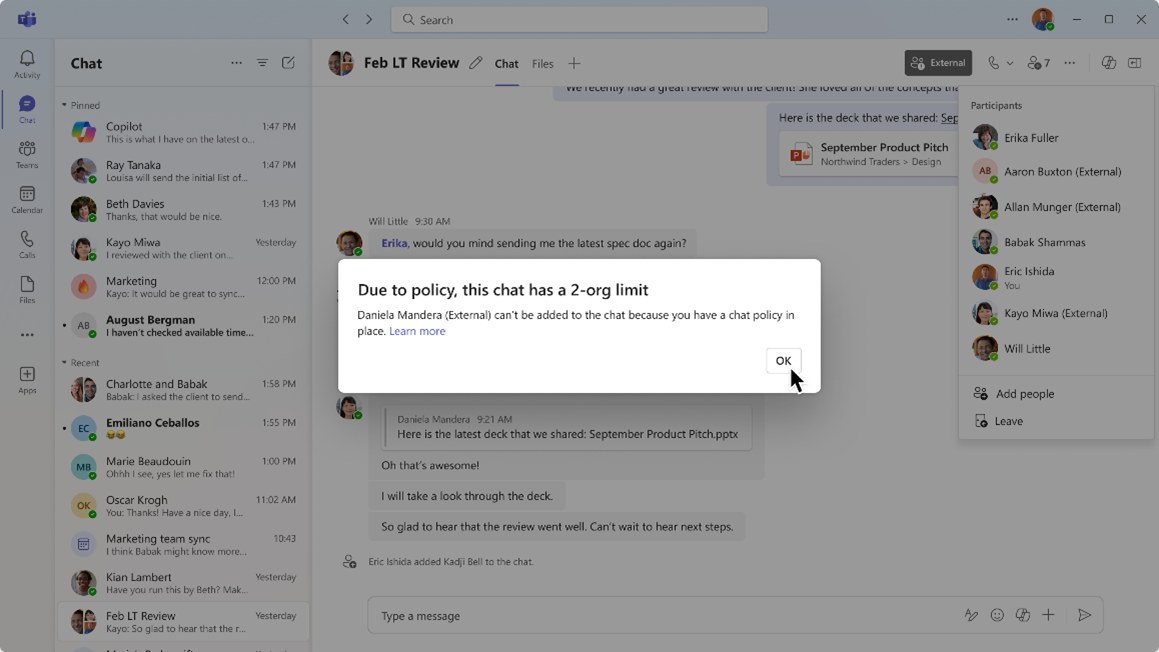
A new chat policy is being introduced for restricting external group chats in Microsoft Teams to at maximum two organisations. It is expected to be available before the end of the month.
Rolling out next month, soon Microsoft will release a feature that will allow Wi-Fi networks and devices to buildings, so users can have their work location automatically configured when they connect. This feature will be off by default.
Users will be able to automatically book individual desks when they plug in to a shared desk peripheral. This experience relies on the peripherals that the user plugs into at the desk being associated to the individual desk account in the Teams Rooms Pro Management portal. In addition to the roll out of individual desk booking, the Pro Management portal will soon use desk booking data to intelligently associate peripherals to individual desks, automatically creating inventory relationships for you.
Microsoft are creating a new role in the Teams admin centre – the Teams Reader. The role will provide read-only access across all pages in the Teams admin centre. I will be available before the end of July.
Copilot
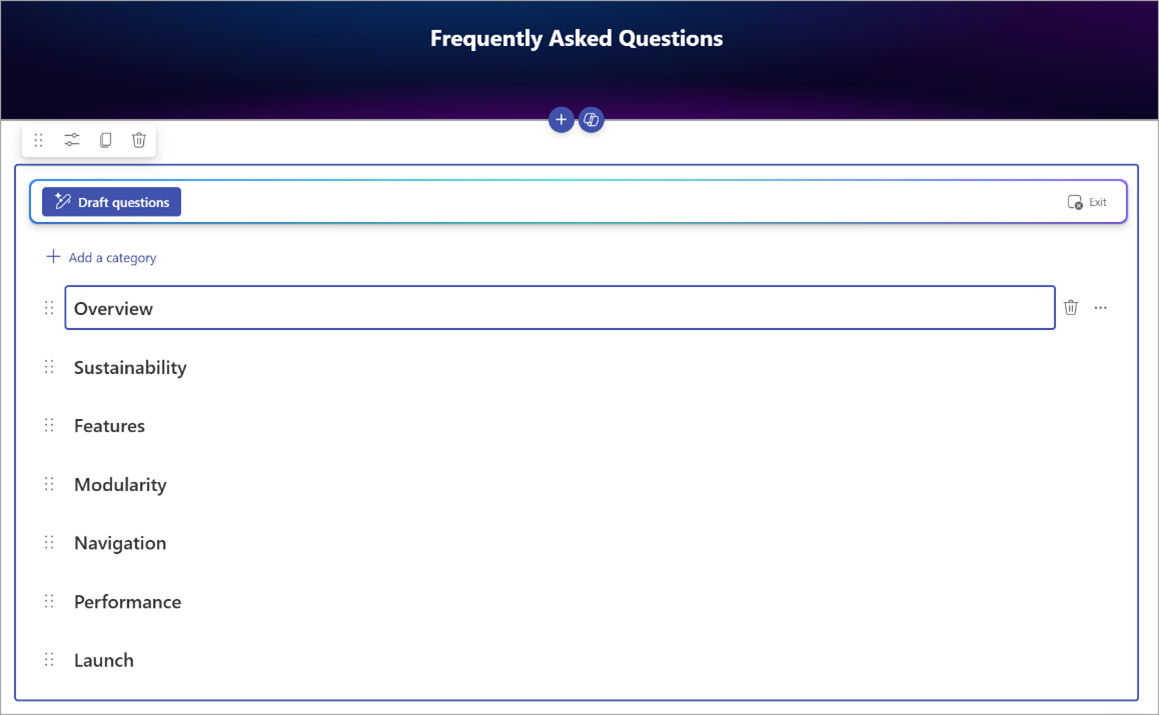
Soon a new FAQ webpart powered by Copilot will be added to SharePoint. By selecting one or more grounding source files, AI will automatically generate FAQ content, reducing the time and effort needed for manual creation of FAQs. A Copilot license and a Microsoft 365 Copilot license is required to create and edit the webpart, but all readers can view the webpart content without a license. This feature is rolling out now, and is expected to be complete by mid-June.
Purview
Coming soon to the Purview compliance portal, a new timeline view of user activity that offers a comprehensive timeline view of a user's potentially risky interactions that may result in a data security or compliance incident will be made available. It includes all interactions that have been flagged for review for that policy. This empowers reviewers by providing context on the user's history, enabling them to address violations with a complete view of all other potential risky interactions that may result in a data security or compliance incident. This feature will begin rolling out now and is expected to be complete before late July.
Admins will have separate policies for Copilot interactions and will also be able to separate Teams chats from Copilot interactions when creating new retention policies. This feature will roll out before mid-June.
Loop
Available this month, new security features for Loop are coming to Teams. File level sensitivity labels will be supported for Loop components.
Viva
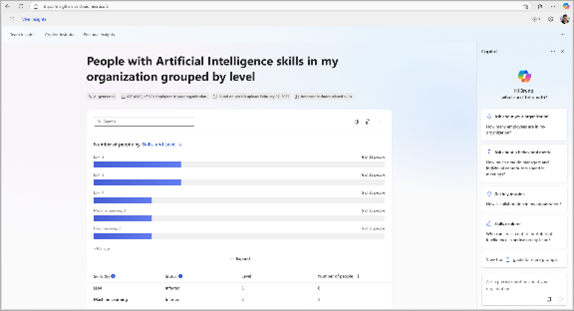
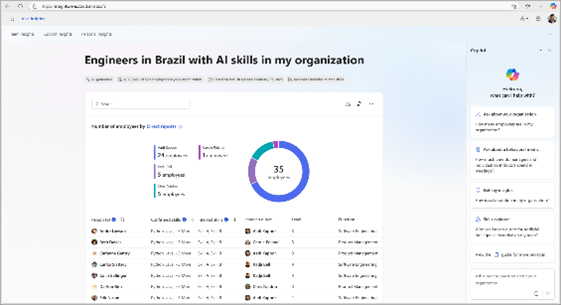
Coming soon to Viva Insights, Leaders will be able to use Copilot in Viva to see insights into team skills. Leaders can use natural language prompts to ask Copilot questions about an organisation’s skill distribution and receive dynamic visual reports in response. This feature is rolling out now and will be available before the end of the month.